Getting Started
Team-Buddy brings people insight and team operations together. It helps you understand individual strengths and team dynamics, plan and deliver work in Projects, turn insights into action plans and coaching, and support fairer Performance Reviews.
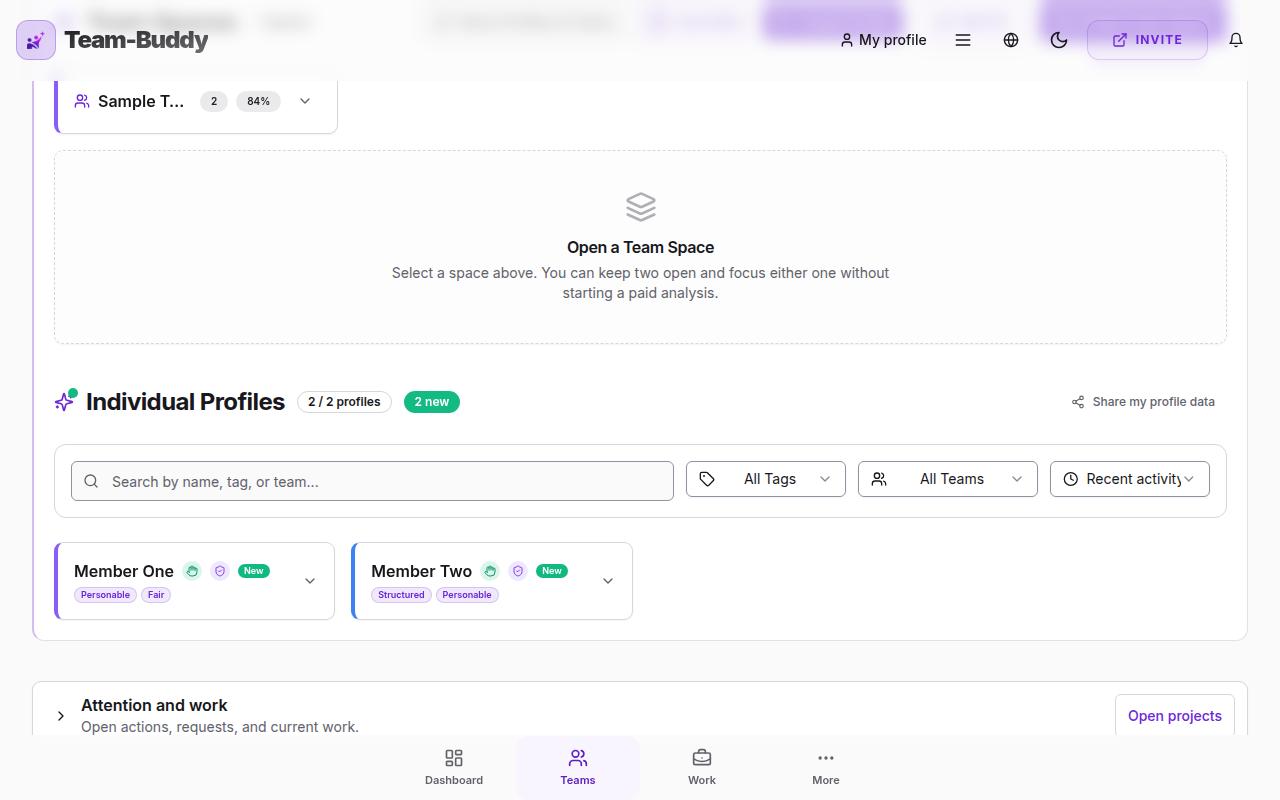
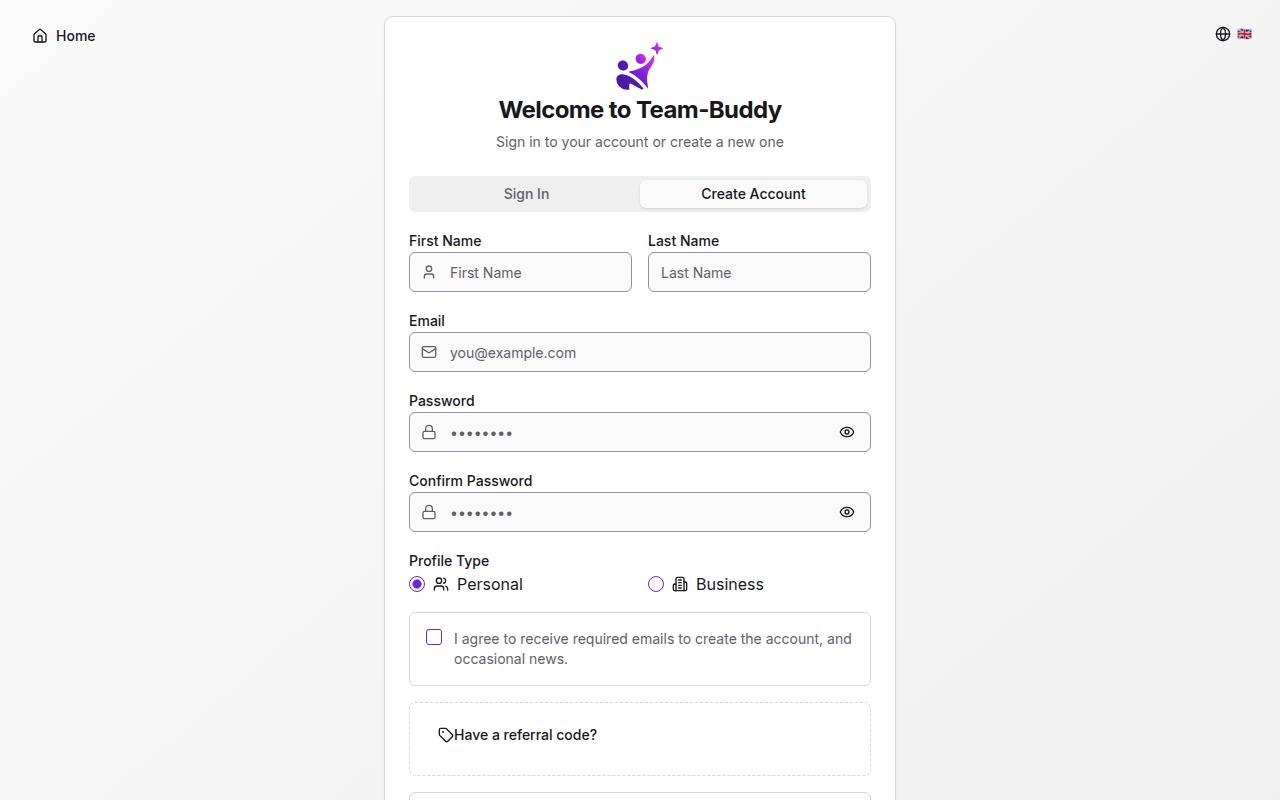
Click the 'Get Started for Free' button on the landing page. You'll create an account using your email and a password. After signing in, you'll complete a brief profile setup where you choose between Personal or Business account type and provide your consent for data processing.
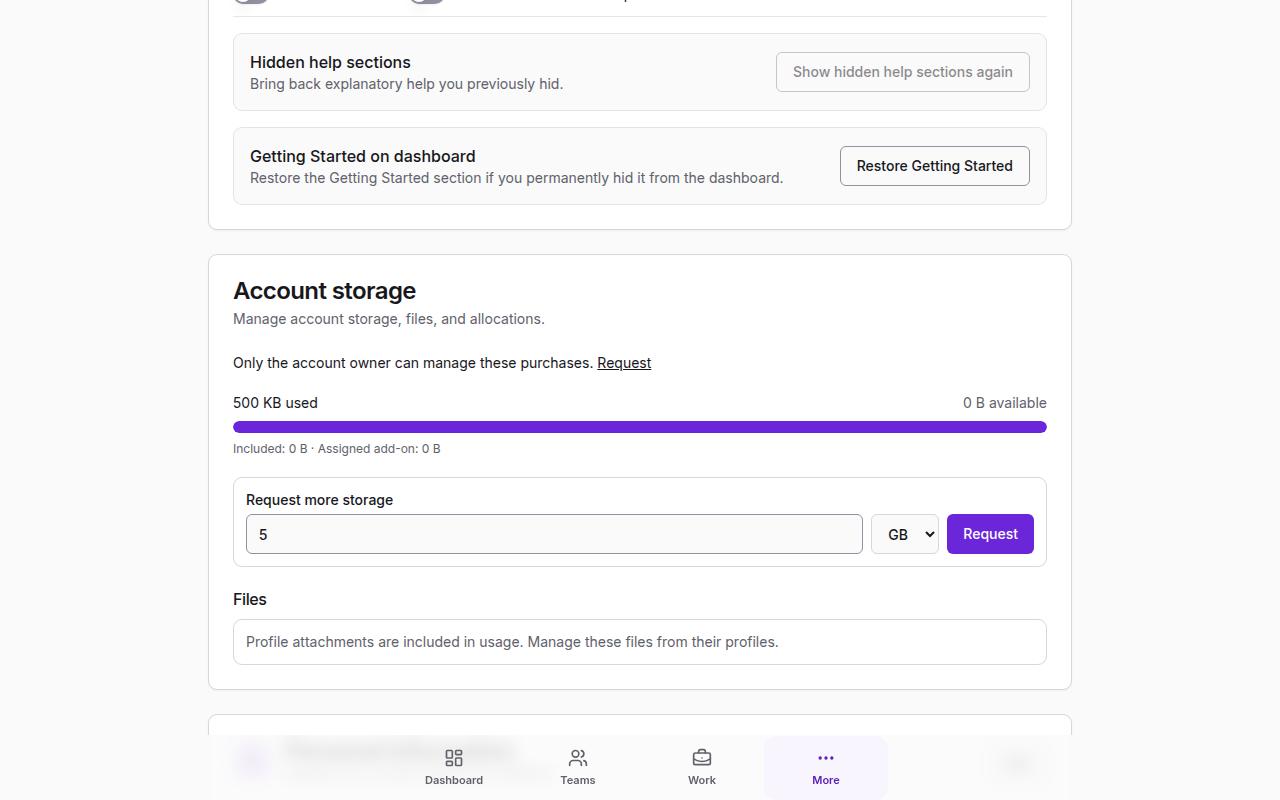
Detected personal identifiers are anonymised before eligible AI processing. Free text, including AI Coach messages and notes, is not inspected in real time, so please avoid entering sensitive personal information. See our Privacy Policy for details and request deletion from your account settings at any time.
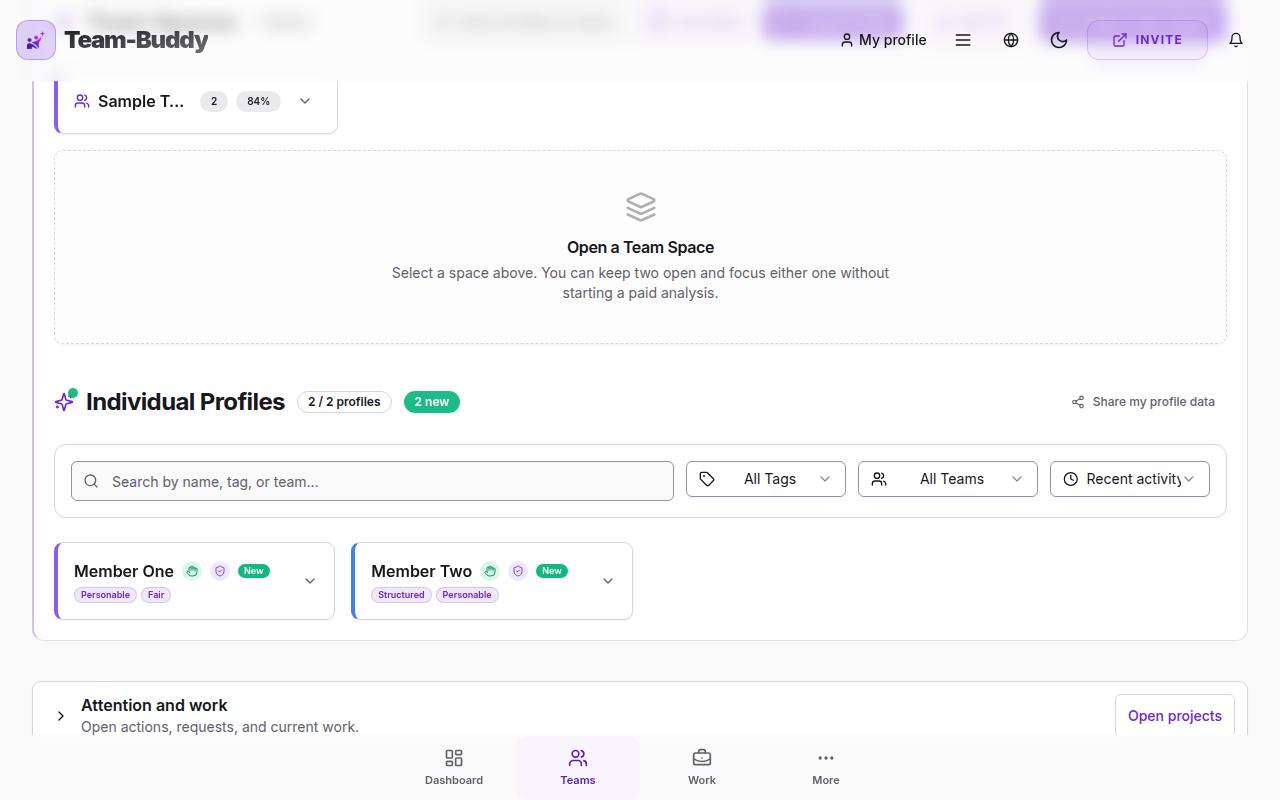
No, this is completely normal! Team-Buddy handles large sets of data including personality profiles, behavioral analysis, and team synergy calculations. When you open the app, the system needs between 30 seconds and 1 minute to load all the information correctly. Just give it a moment and everything will appear as expected.
Creating Profiles
Basic profiles require only your name and social media links - perfect for quick setup. Full profiles include personal background data for behavioral analysis, personality preferences, hobbies, and a work environment description for a comprehensive trait analysis.
Birth data helps us calculate behavioral patterns and personality dimensions. These are combined with other factors to create a holistic personality profile. This is optional and only required for Full profiles.
You can link LinkedIn, Facebook, Instagram, TikTok, Threads, X (Twitter), GitHub, YouTube, and other platforms. Our intelligent system analyzes public signals from these profiles to extract professional and social traits using behavioral science methodologies.
Yes! Full profile users can upload a PDF or Word document. This helps us understand your professional background and skills for more accurate team matching.
The personality section helps us understand your preferences - favorite colors, hobbies, outdoor activities, food preferences, and travel interests. These seemingly simple preferences actually reveal important personality traits that affect team compatibility.
Team Spaces
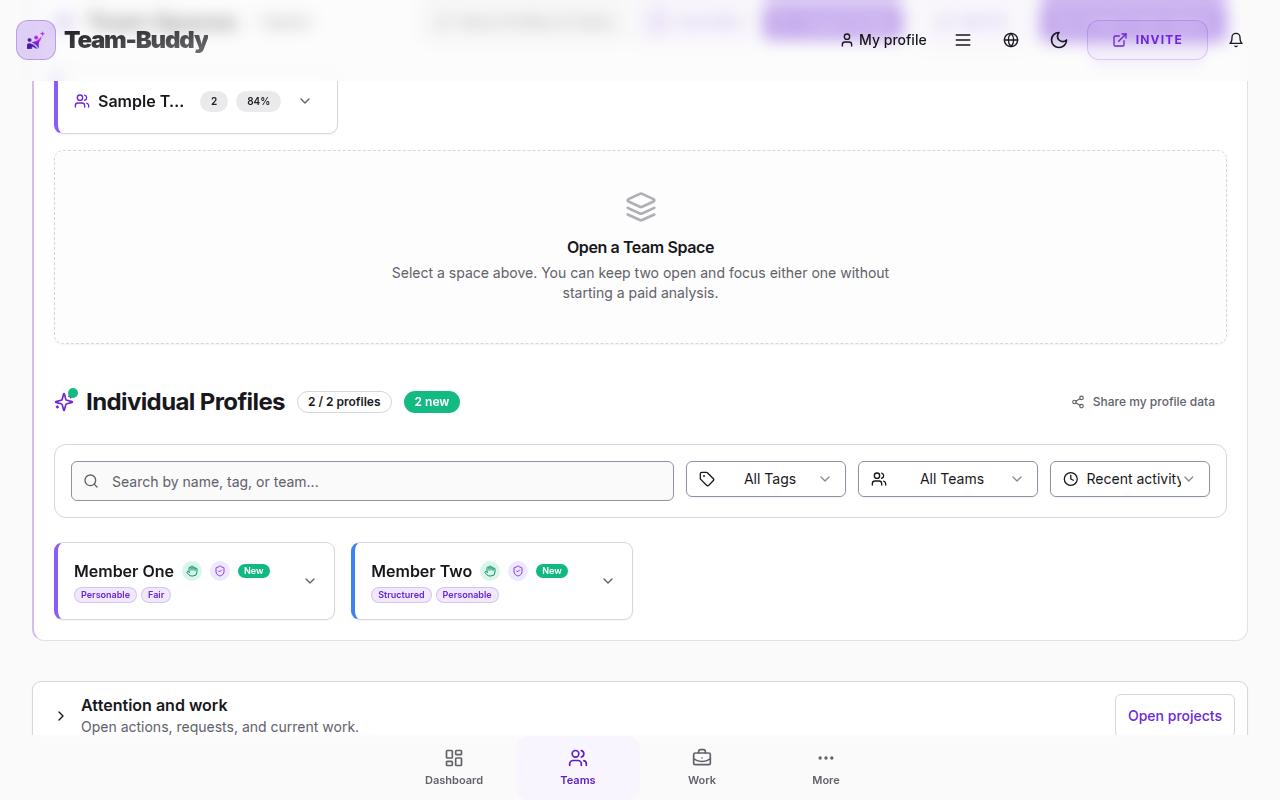
A Team Space is a group where you can organize multiple profiles together. It's perfect for managing different teams, projects, or departments within your organization.
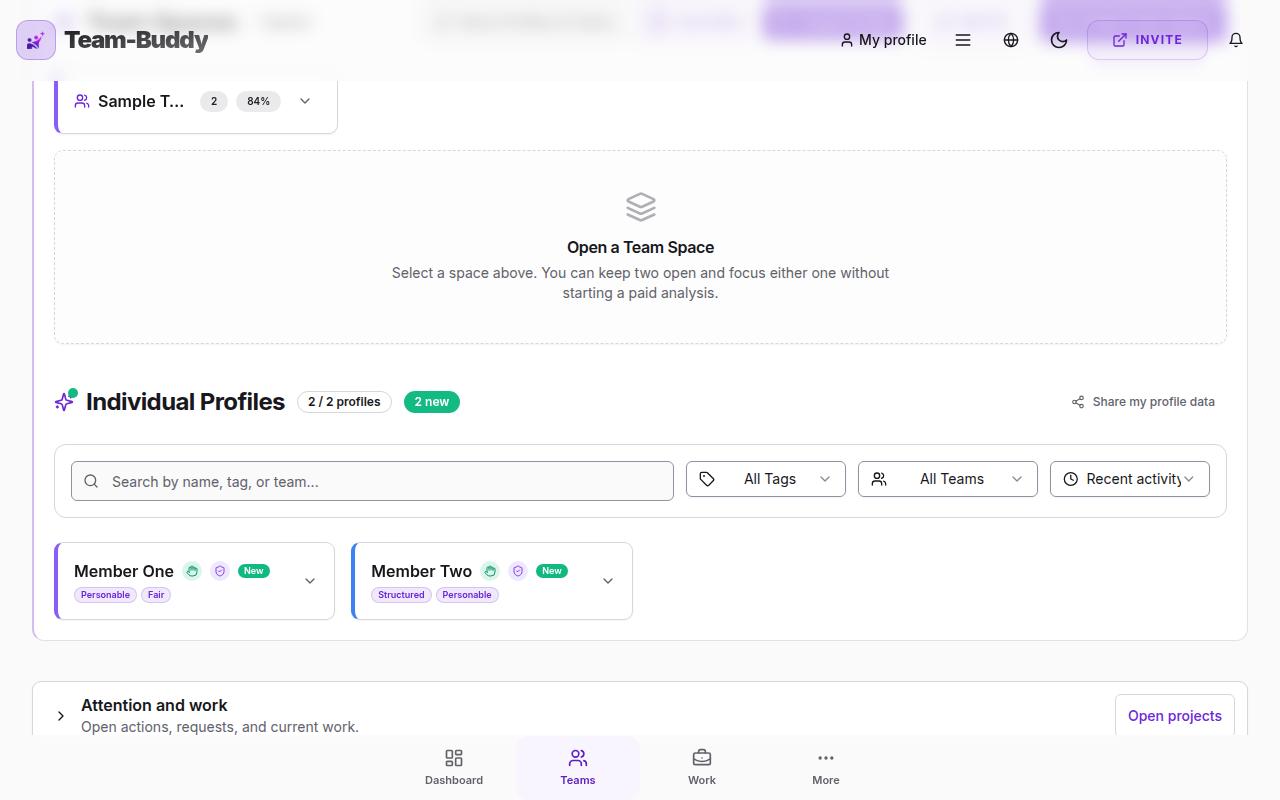
From the Dashboard, click the '+ New Team Space' button. Give your team a name and optional description, then select which profiles to add as team members.
Yes! The same profile can be a member of multiple Team Spaces. This is useful when team members work across different projects or departments.
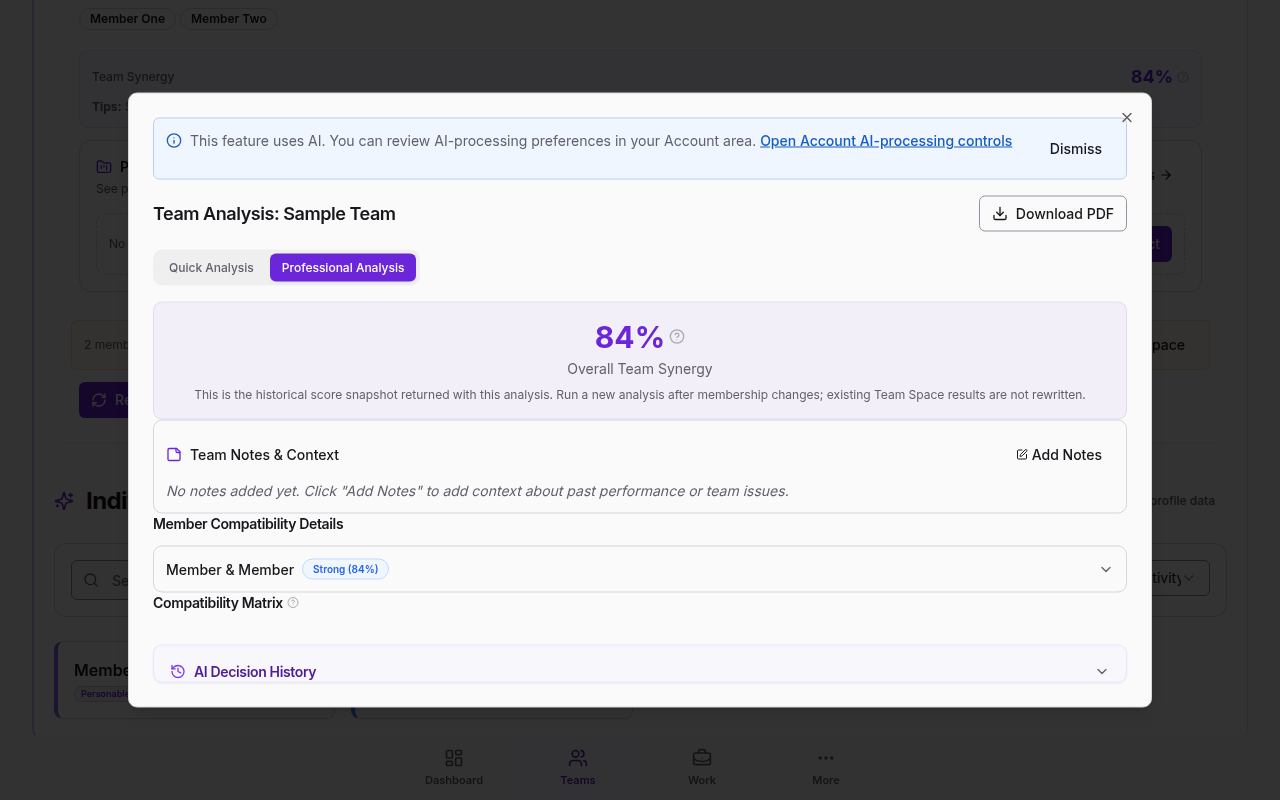
Open Home and choose Team Spaces. Open the Team Space you want to review, open its available analysis, then find “Member Compatibility Details”. These pairwise insights support a team discussion; they are not a verdict about an individual.
Team Matching & Synergy
Our algorithm uses weighted cosine similarity on profile vectors, combining skills, emotional intelligence scores, and behavioral traits. The result is a compatibility matrix showing how well each pair of team members work together.
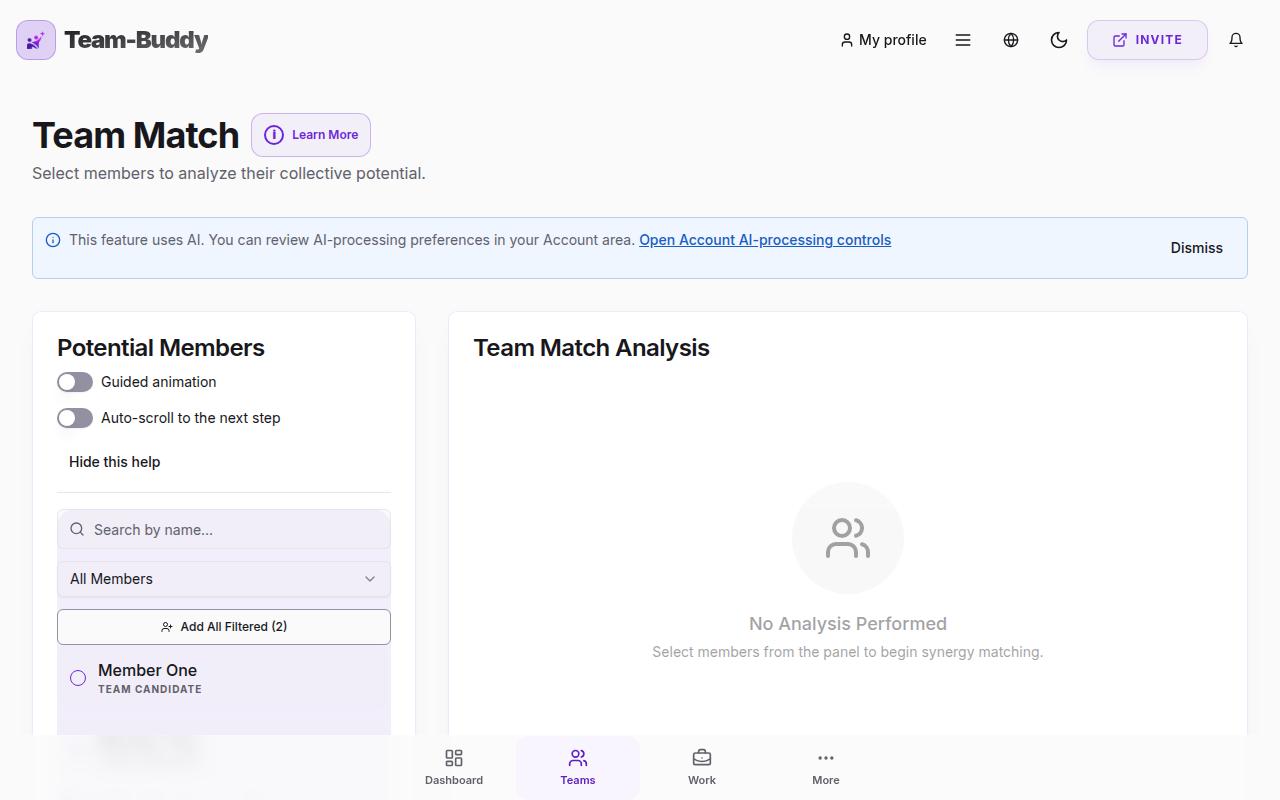
The synergy score is a percentage that indicates how well a team is likely to work together. Higher scores suggest better compatibility, but even teams with lower scores can thrive with the right coaching and awareness of potential friction points.
Professional and Corporate tier users can access intelligent predictions including up to 1-year forecasts, team performance outlook, collaboration strengths, growth opportunities, challenges to navigate, and key timing insights. Our system combines behavioral science algorithms with selective enhancements - we never rely exclusively on automated technology, but use it to augment our proven psychological and NLP-based methodologies.
About Our Behavioral Science Approach
Our approach combines multiple validated frameworks from behavioral psychology, NLP (Neuro-Linguistic Programming), and personality science. We analyze patterns in how people communicate, make decisions, and interact with others to create comprehensive personality profiles.
Behavioral science provides objective, measurable insights into personality traits and work styles. By analyzing patterns in communication preferences, decision-making styles, and interpersonal dynamics, we can predict team compatibility with greater accuracy than traditional methods.
We blend behavioral indicators with established psychology (like Big Five personality traits) and NLP techniques. This multi-lens approach creates a richer, more nuanced profile than any single methodology could provide alone, helping you understand both individual traits and team dynamics.
Our synergy scores and team matching are primarily driven by psychological assessments and behavioral analysis. The metrics provide meaningful insights for understanding personality differences and team dynamics. As with any assessment tool, results should be considered as valuable input rather than absolute truth.
Team Follow-Up & Tensions
The Follow-Up section helps you manage and resolve team tensions within your Team Spaces. You can report issues between team members, categorize them, and receive intelligent coaching solutions based on behavioral science and psychology.
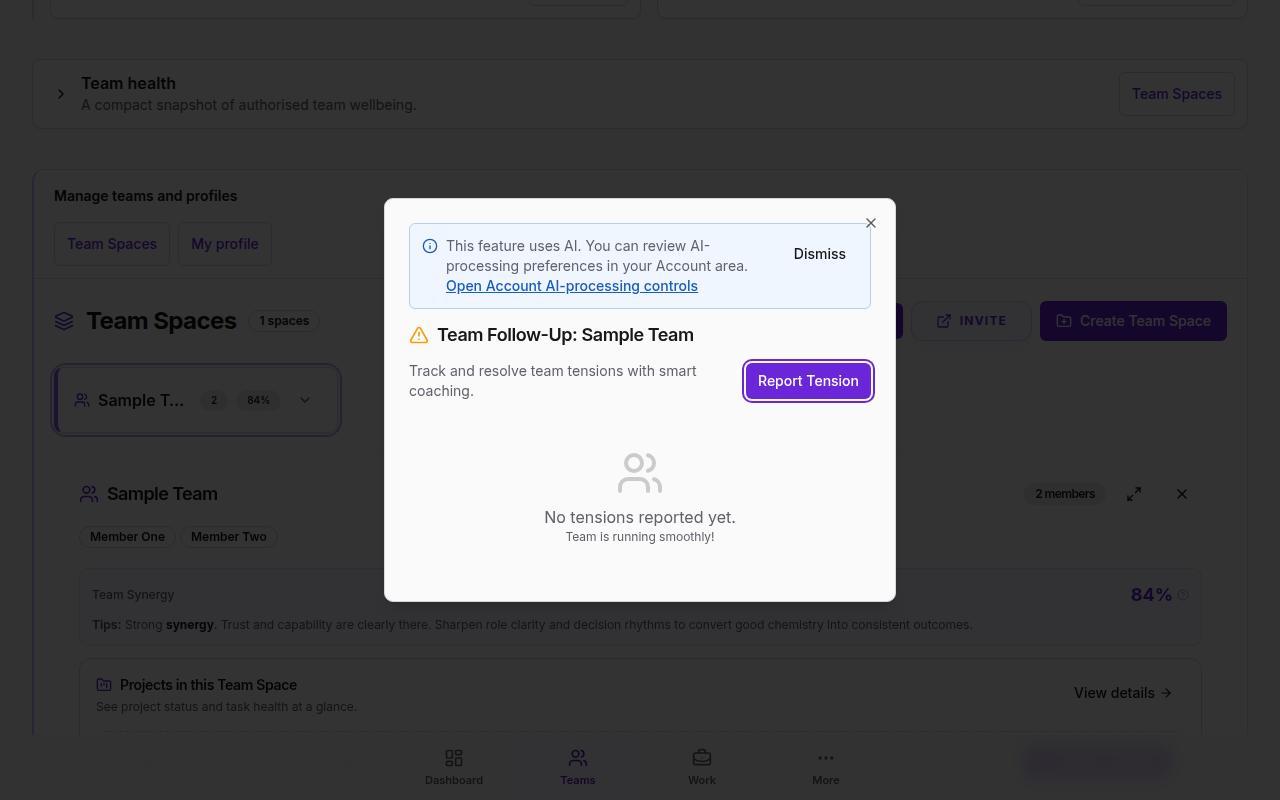
You can report: Communication Breakdown, Role Confusion, Personality Clash, Workload Imbalance, Decision Disagreement, Trust Issues, Different Work Styles, Unclear Expectations, Resource Competition, or Other custom issues.
When you request coaching for a tension (Premium feature), our intelligent system analyzes the situation using professional coaching frameworks grounded in behavioral science, psychology, and NLP. It provides specific recommendations, action steps, and warning signs to watch for - combining proven methodologies with smart technology.
Recommendations include: Coaching (one-on-one or team coaching sessions), Reassign Roles, Reshuffle Team composition, Remove Member (in severe cases), or No Action if the situation is manageable.
Smart Coaching
Smart Coaching is a feature that provides honest, practical guidance to help you resolve real challenges — whether personal, team-related, or business-focused. Unlike generic advice, it identifies root causes and delivers specific, actionable steps grounded in behavioural science and psychology.
Generic chatbots are typically optimised to be agreeable — they reflect your feelings and avoid difficult truths. Our Smart Coach is built differently: it diagnoses the actual problem, challenges assumptions where necessary, and gives you the practical steps you need to move forward. It tells you what you need to know, not just what you want to hear.
Smart Coaching is grounded in real psychology and behavioural science literature, including principles from NLP, conflict resolution frameworks, organisational psychology, and communication theory. It has been developed through thousands of real trials and case outcomes — not just theoretical models.
Smart Coaching covers a wide range: communication breakdowns between individuals or teams, interpersonal conflicts, leadership and performance challenges, role confusion, stress and motivation issues, and broader business dynamics. It is designed to handle both one-on-one situations and team-level problems.
Smart Coaching is available to Professional and Corporate tier users. It is ideal for team leaders, HR professionals, managers, or anyone dealing with recurring workplace friction. If you have tried standard approaches and they have not worked, Smart Coaching offers a deeper, science-backed alternative.
Personal Coach is available on Premium, Professional and Corporate plans. Each paid seat receives 10, 30 or 100 questions per day respectively. You can include up to five questions in one message, and only questions answered successfully count toward the daily allowance.
Match Lab
Match Lab is a planning tool that lets you compare different team line-ups side-by-side before you commit. You can swap candidates into a base team, reshuffle existing members across multiple teams, or auto-split a group into the most compatible sub-teams. Each variant is scored on synergy, with unresolved tensions automatically lowering the score.
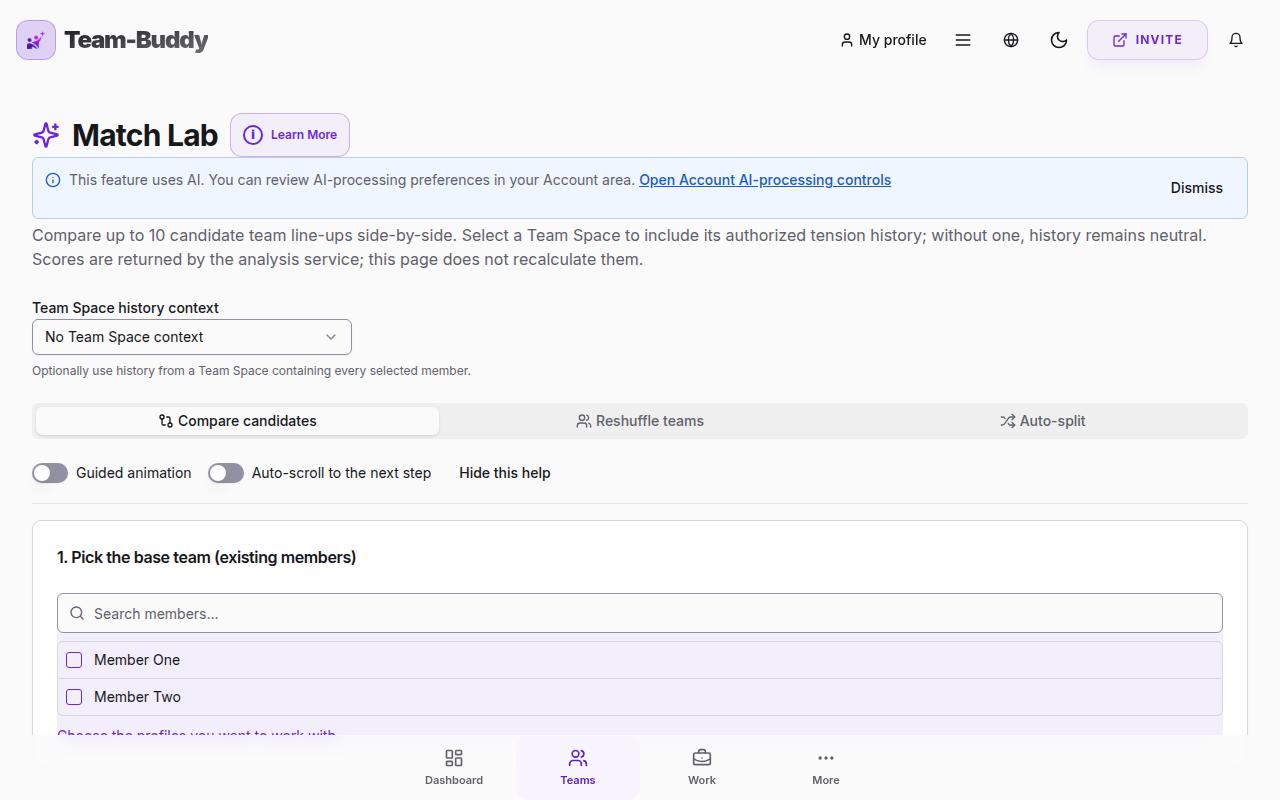
Compare candidates: pick a fixed base team and 2+ candidates — Match Lab builds one variant per candidate so you can see who fits best. Reshuffle teams: manually move members between buckets and re-score. Auto-split: pick a group of members and let the engine partition them into the most compatible sub-teams.
Each team's score combines compatibility (skills, emotional intelligence, behavioural traits) with a tension penalty. Open tensions between any two members in the same team reduce the score: low = -2, medium = -5, high = -10, capped at -25 per team. A short summary then ranks the variants and recommends which type of project each team is best suited for.
Match Lab is not available on the Free plan. Premium can compare up to 2 line-ups at a time, Professional up to 5, and Corporate up to 10. The same per-tier limit applies across all three modes (compare, reshuffle, auto-split).
Role Fit
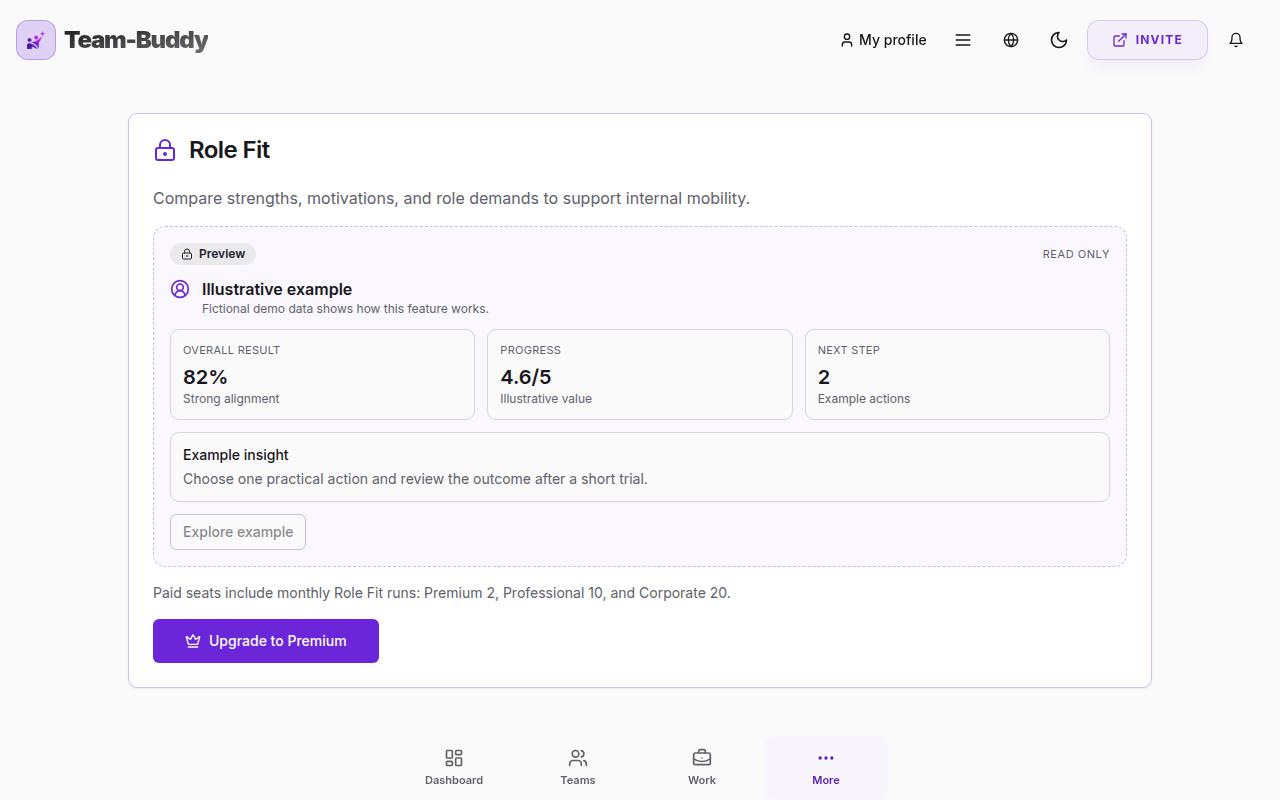
Role Fit is a supportive, data-informed way to explore whether someone's current role truly suits them — and where they might grow next. You can run it for yourself, or as a manager for a team member. It pulls together the behavioural profile, recorded tensions, wellbeing check-ins and team-health history you already have, then combines them with a short form you fill in to produce clear, conversation-ready guidance.
There are two modes. 'For me' helps you reflect on your own role and where you could develop next. 'For a team member' lets a manager explore the best-fitting role and growth path for someone they lead. In manager mode, private wellbeing entries marked owner-only stay hidden to protect the individual.
You get a current role-fit level, recognised strengths, growth areas, practical ways to improve the current fit, roles and directions worth considering, suggested next steps, and a set of open questions to start a supportive conversation. Every finding shows which data it drew on, so nothing feels like a black box.
No. Role Fit is designed to open a conversation, not to deliver a judgement. It is supportive, data-informed guidance to discuss together — never a final assessment of anyone's ability or character. Scores are kept deliberately conservative for the same reason.
Role Fit is available on paid plans. Free-tier users whose trial has expired are prompted to upgrade. The person a profile represents can always run it for themselves once they have their own account.
Team Health & Improvement
Team-Buddy connects team-health insights with practical follow-through. You can spot patterns in check-ins, tensions and team analysis, then use coaching, action plans and Projects to agree what happens next.
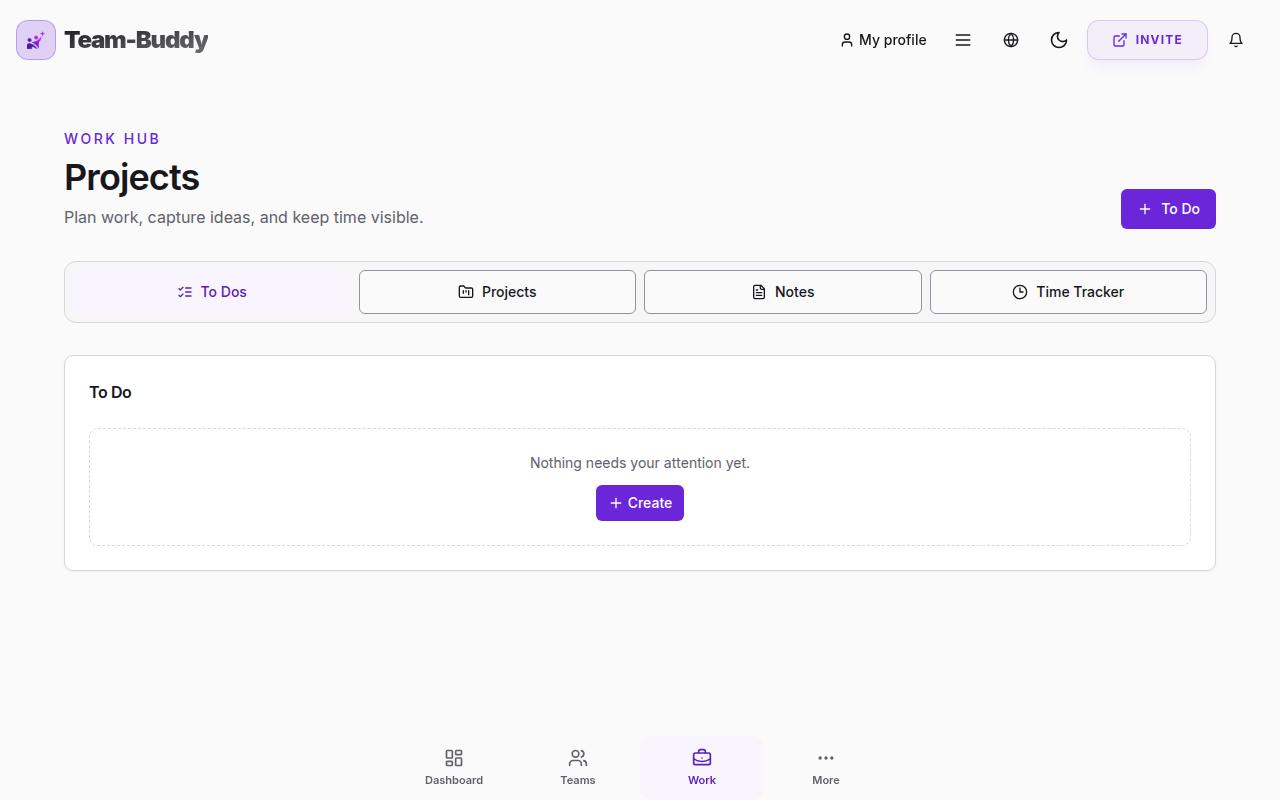
Projects bring plans, tasks, responsibilities and time tracking into the same workspace as your people insights. This helps teams turn an agreed improvement into clear, owned work.
Personal Coach, manager guidance and action plans turn behavioural and team-health insights into practical next steps. Professional and Corporate plans add deeper manager journeys, team plans and AI-assisted planning tools.
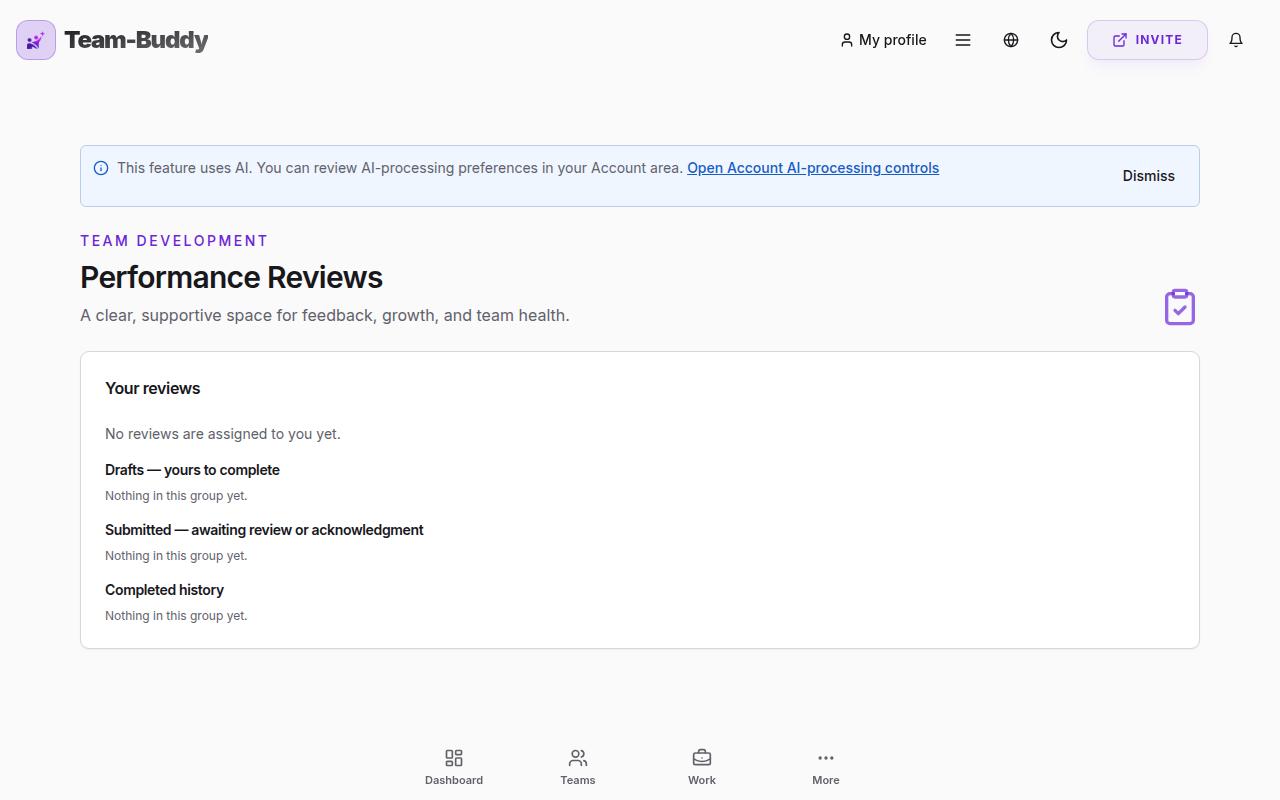
Performance Reviews provide a structured, evidence-led conversation between a team member and manager. They keep submitted versions and acknowledgements clear while using relevant Team-Buddy context to support a balanced discussion.
Yes. Check-ins, tension history, team analyses, plans and review records help you understand progress over time without reducing a person's contribution to a single score.
Personal Journey & Wellbeing
Personal Journey is a weekly wellbeing check-in for each team member. Every profile can update their personal behavioural performance covering work satisfaction, emotional wellbeing, team connection and life balance. It helps teams stay aware of how everyone is doing - before small issues become big ones.
Every Friday morning, paid-tier users receive an email reminder to update their Personal Journey. The email includes a direct link that takes you straight to the check-in section after login. Team managers can also prompt individual members to submit updates at any time.
Team managers can view an overview of their team's wellbeing: average scores, participation rates, health status, and any warning indicators. They can also drill into individual member journeys to see trends over time and score breakdowns by category.
Personal Journey is included with all paid plans (Premium, Professional and Corporate). Free-tier users do not have access to this feature.
Premium & Pricing
Free includes up to 3 profiles, 1 Team Space, one complete personal profile, one introductory team analysis and one Team Match. It is designed for personal discovery and a first team preview.
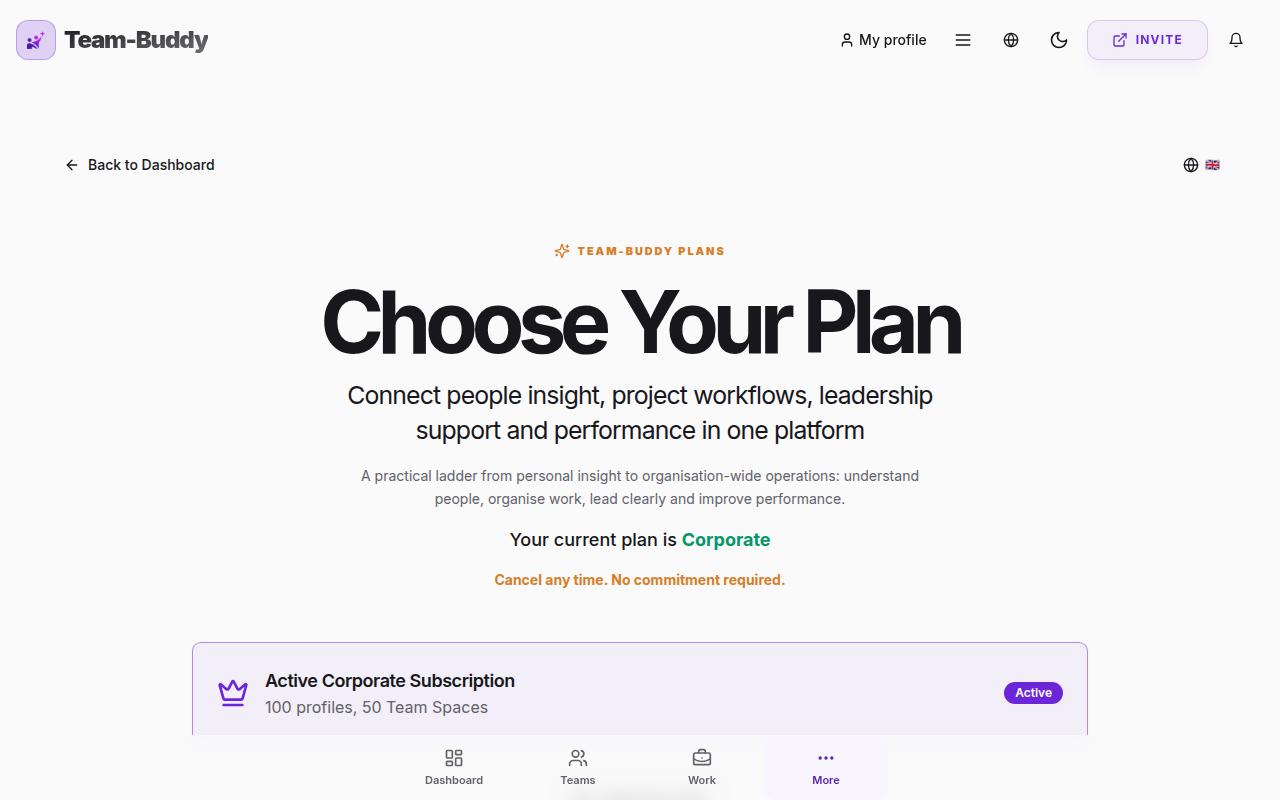
We offer Free, Premium ($12 per seat monthly or $120 yearly), Professional ($18 per seat monthly or $180 yearly), and Corporate ($24 per seat monthly or $240 yearly). Professional is the complete manager improvement toolkit; Corporate adds organisation-wide access, automation and controls.
Premium includes up to 10 profiles, 5 Team Spaces, full profiles and PDF reports, Skills Journey, Personal Coach, personal action plans, team-health insights, tension tracking, weekly reports, Role Fit and owner Match Lab access. Professional and Corporate add deeper manager guidance, team planning, Projects and Performance Reviews.
Administrators can create one-time use coupon codes that grant promotional access to paid tiers. Each coupon can only be used once. Look for codes in the format XXXX-XXXX-XXXX.
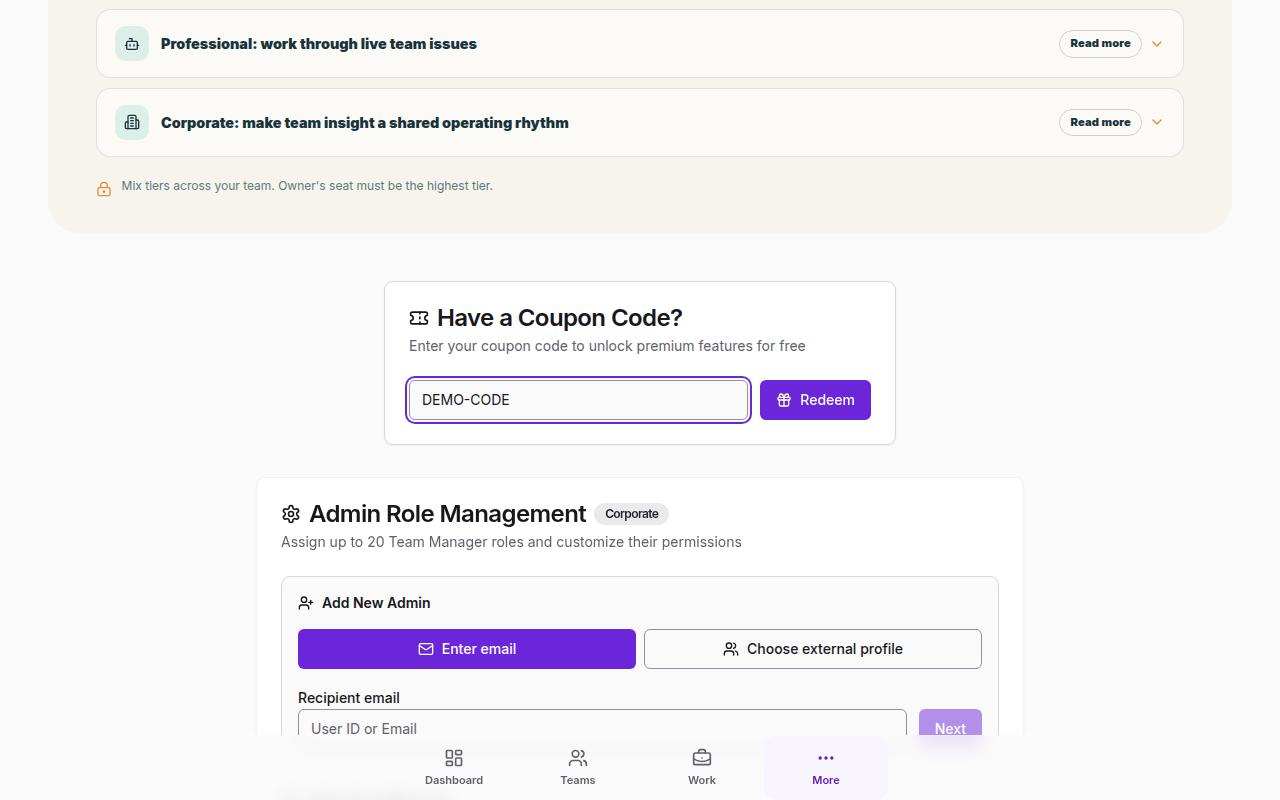
Go to the Pricing page and click 'Redeem Coupon'. Enter your coupon code in the format provided (XXXX-XXXX-XXXX) and click redeem. The premium access will be applied immediately.
When downgrading from a paid tier to Free, all data except your account information and your personal profiles (up to 3) will be permanently deleted. This includes team member profiles, team spaces, analysis results, notes, and reports. Only the account owner's basic info and personal profiles are retained.
If you delete your account, ALL data will be permanently and irreversibly removed from our systems. This includes your account information, all profiles, team spaces, analysis results, and any other associated data. Once deleted, this data cannot be recovered.
Yes. Corporate users can choose whether a guest candidate sees their IQ score and profile analysis after submitting a profile.